Off means off.
Every input feature starts disabled. Enable just what helps; pause everything from the menu bar.
BetterPad · Mouse and trackpad
Your trackpad should feel natural. Your mouse should feel familiar. Make them work together, without the compromise.
Apple silicon · 30-day trial · No card required
01 · Included free
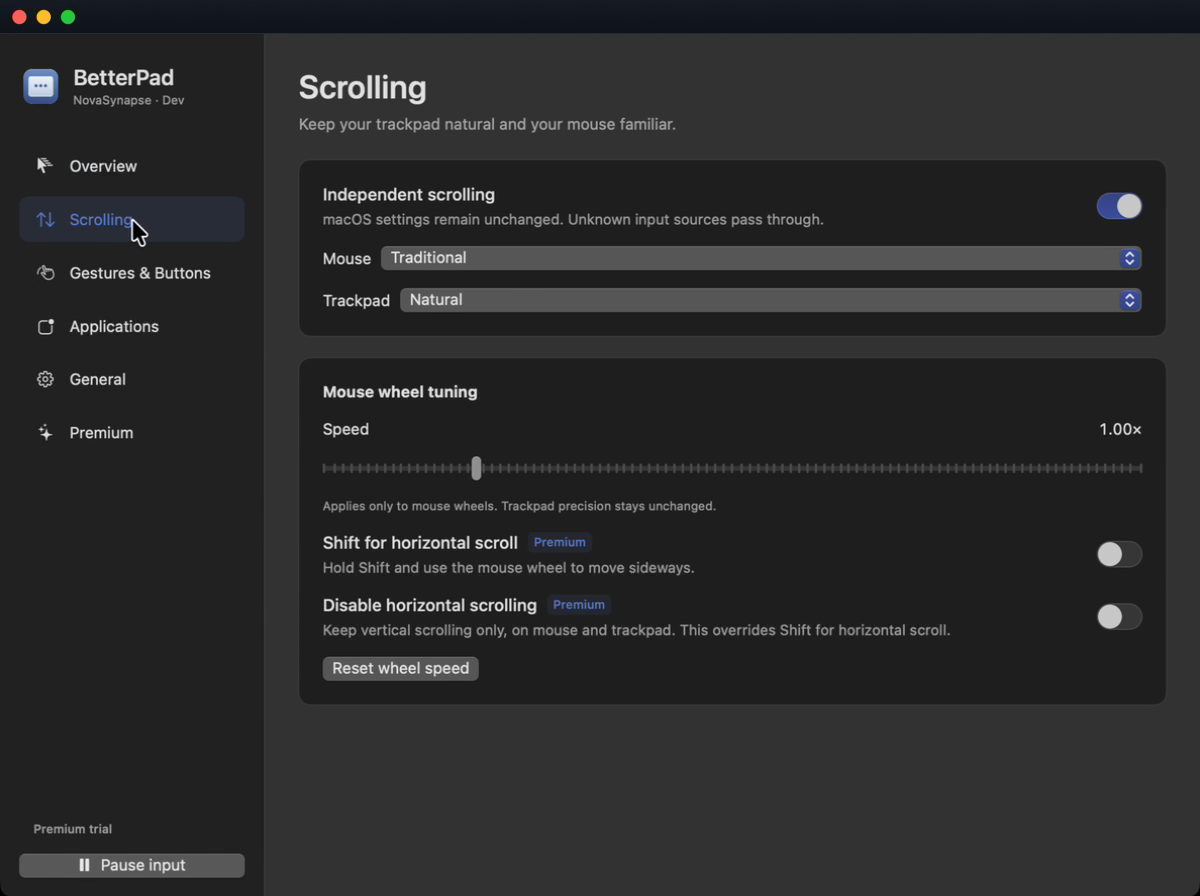
Keep natural scrolling on your trackpad and traditional scrolling on your mouse. Stop changing a system setting every time you switch devices.
Choose each direction independently. Unknown input sources keep their native behavior.
02 · Included free
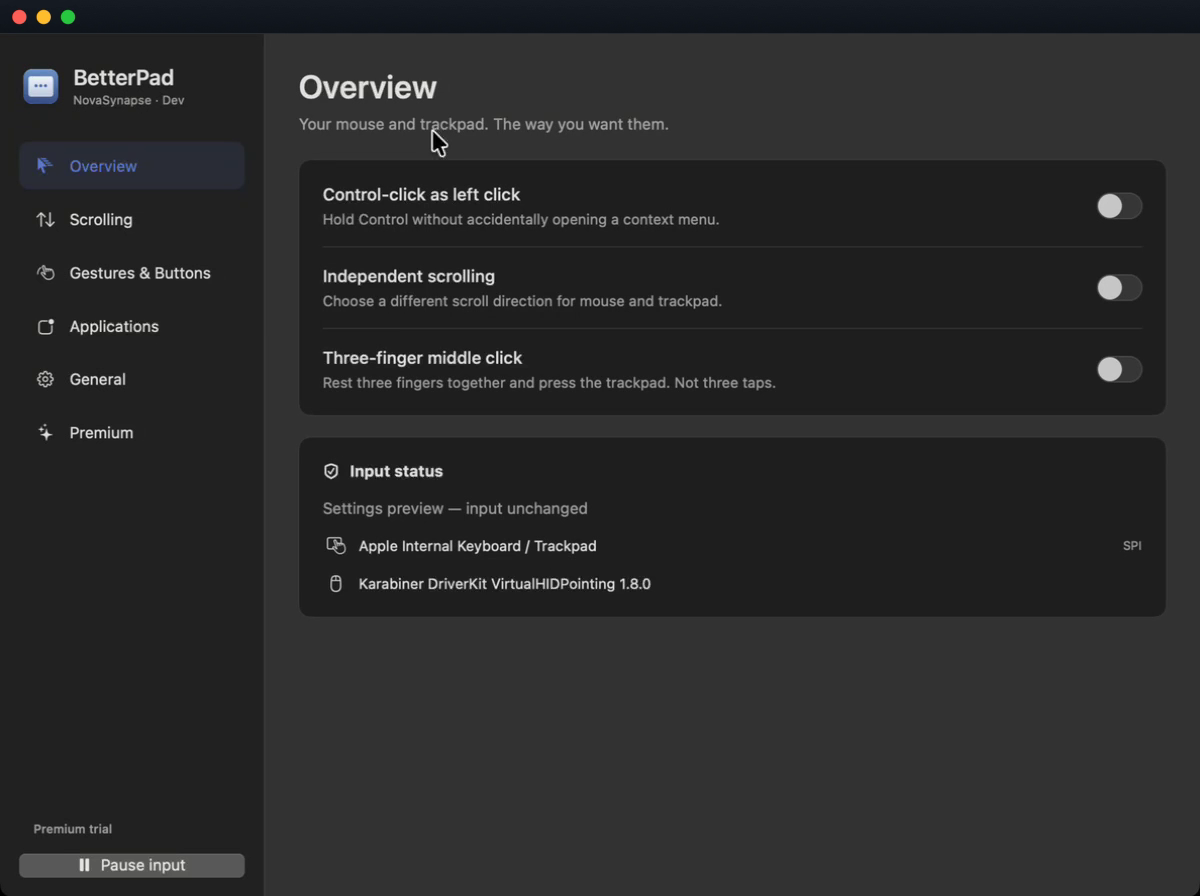
Need Control while selecting or dragging? Make Control-left-click behave like a regular left click, without an unexpected context menu.
Your real right button stays a right button. Exclude an app whenever you prefer its original behavior.
03 · Included free
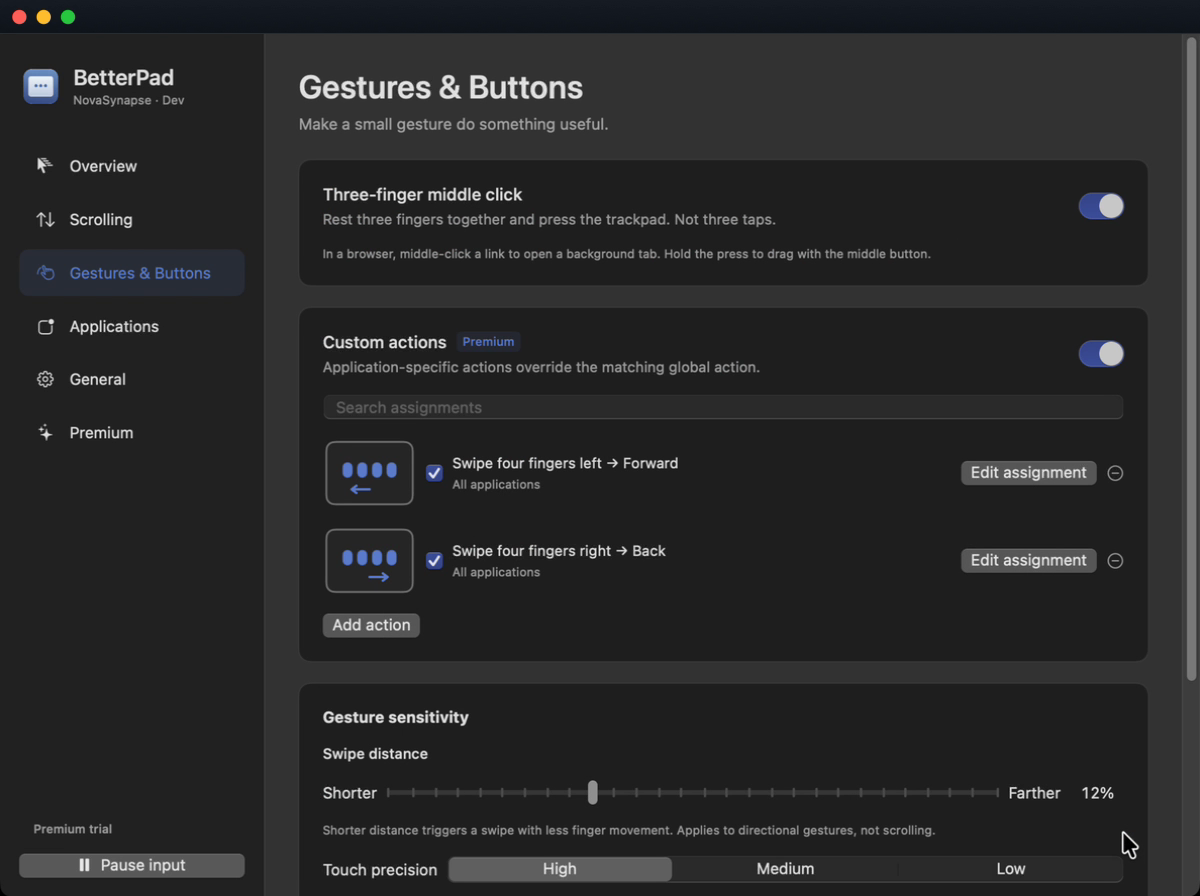
Press your trackpad with three fingers together for a middle click. Open a browser link in a background tab, without reaching for a mouse.
Every input feature starts disabled. Enable just what helps; pause everything from the menu bar.
Typing and pointer activity are not recorded. Input stays on your Mac; licensing and updates use the internet.
System, light or dark appearance. Seven languages. Export your settings and take them with you.
To change the mouse events you explicitly enable and perform your chosen actions. It does not log your keyboard or clipboard.
No. BetterPad transforms input while running. Pause or quit to return to native input; your macOS settings stay unchanged.
For Apple silicon Macs with a compatible Apple trackpad. Built for macOS 12 or later; verification on older macOS versions is still in progress.
Free features keep working. Premium actions stop, but your settings are kept. A purchase never turns features on without your choice.
Questions about BetterPad? Contact NovaSynapse