Before you leave
A packing list for your plans
Describe your trip, review the AI suggestions and add your own things.
Smart packing lists
Draft a list for your trip with AI or 13 ready-made templates, organize items by bag and use a separate return list when packing for home.
Your first complete trip is free. Paid access unlocks new and repeated trips.
For example
Japan with a toddler. Overnight flight, no stroller. Laundry every 3 days.
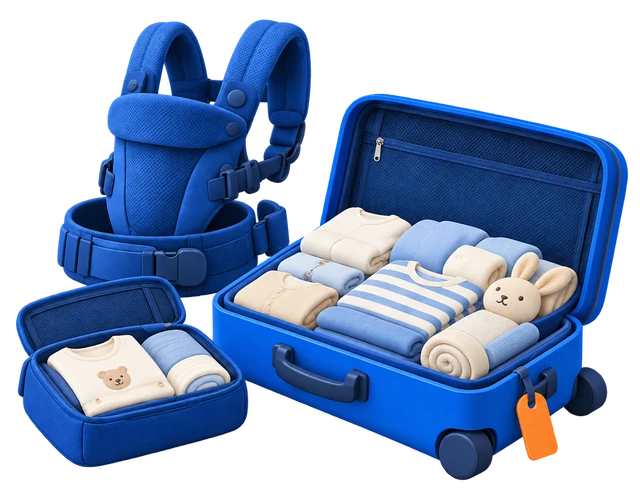
Illustrated example. You can change every suggestion.
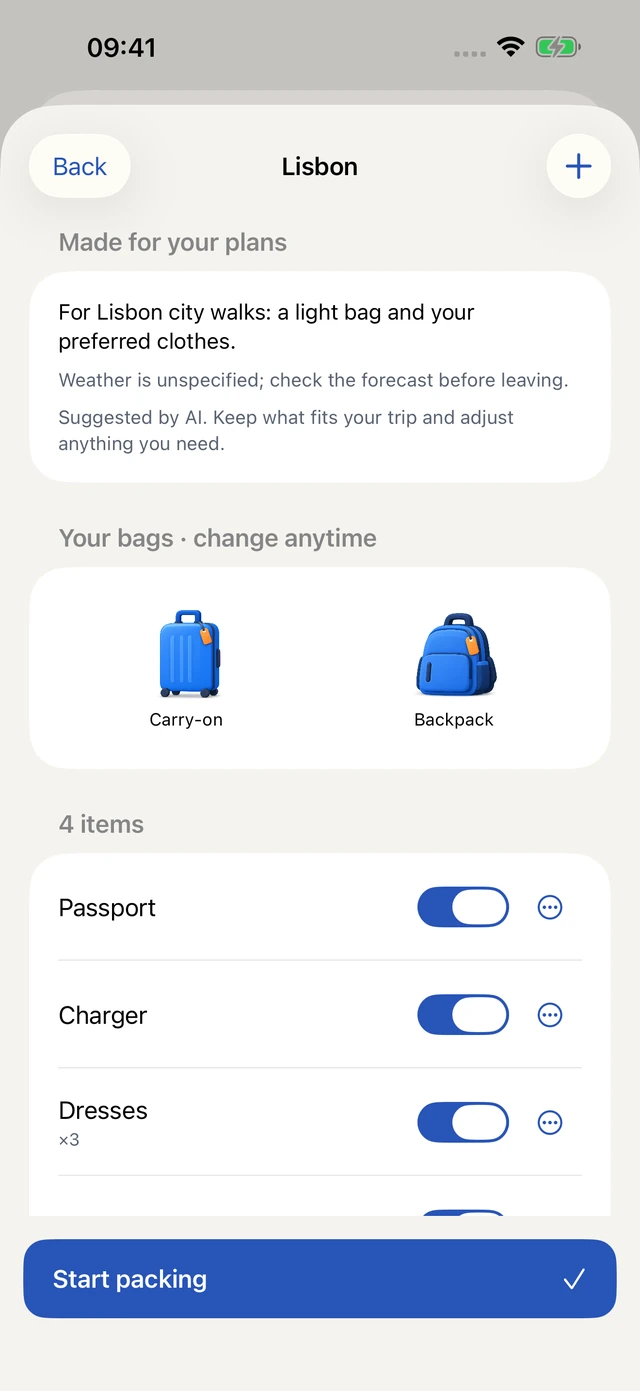
Tell AI where you’re going, how long you’re staying and what your plans look like. It drafts a list for your trip, and you keep only what you need.
Lots of walking, cool evenings. Flying with carry-on only.
You can change the items, quantities and bags.
Flying overnight. No stroller. Doing laundry every three days.
You can change the items, quantities and bags.
A client meeting and walks after work. Taking my laptop. Carry-on only.
You can change the items, quantities and bags.
Most lists end once your suitcase is zipped. BagGeek stays with you through the trip so nothing gets left behind.
Describe your trip, review the AI suggestions and add your own things.
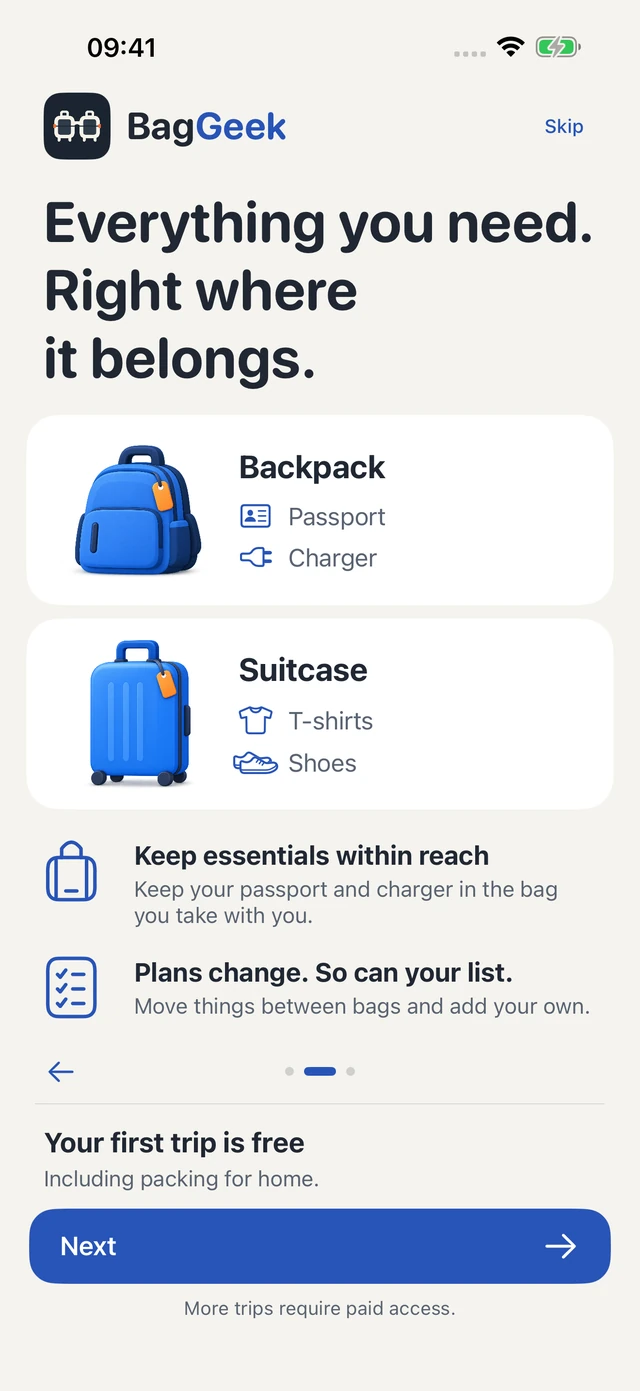
Sort your things into bags. Keep what you need on the road within reach.
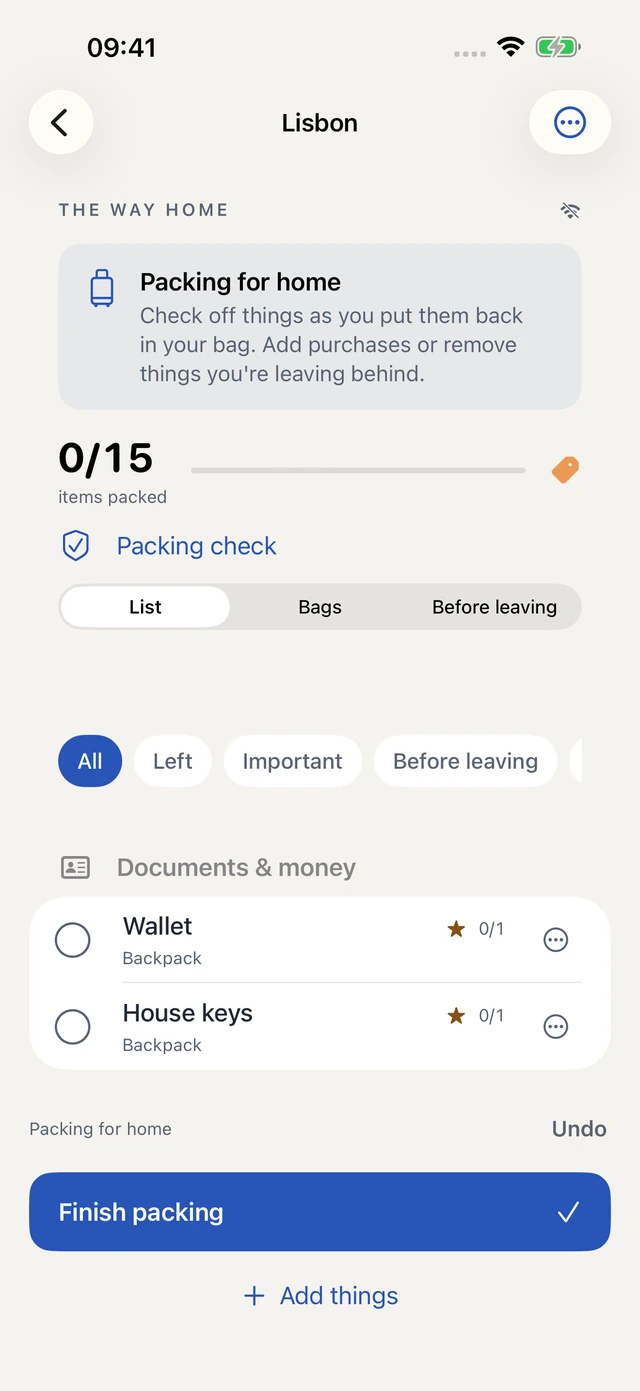
Start packing for home with the things you took on your trip.
Every trip begins differently. Whichever way you start, you can edit items, quantities and bags at any time.
Describe your trip in a few words to get a tailored first draft, then edit any item before saving.
Take a lookChoose from 13 templates for holidays, weekends away and work trips, or combine smaller essential kits.
Take a lookStart blank or paste one item per line, including quantities. Save your own templates for next time.
Take a lookHow BagGeek works
Try a sample checklist right here, or switch tabs to see how templates, bags and essential kits work in the app.
Packing example
Check things off as you pack. Your bag is packed!
Choose from 13 trip templates and ready-made kits. Add your own items and adjust quantities for your trip.
Assign items to your suitcase, cabin bag or backpack and see what is already packed in each one.
Create your own essential kits and review the missing pieces. BagGeek checks your list using the packing marks you enter.
Practical details
Packing rarely happens all at once. BagGeek handles the last-minute things that go into your bag right before you leave.
Put two T-shirts in your suitcase and one in your backpack. Track the quantity packed in each bag.
Still using your charger? Set a local reminder to put it in your bag before you leave.
Export your list as text or PDF, share it or print it with AirPrint.
Your lists and packing marks work offline, at home, in a hotel or on the road.
iPhone widgets
Add BagGeek widgets to your Home Screen in light or dark mode to see how much time is left before departure and how much is already packed.
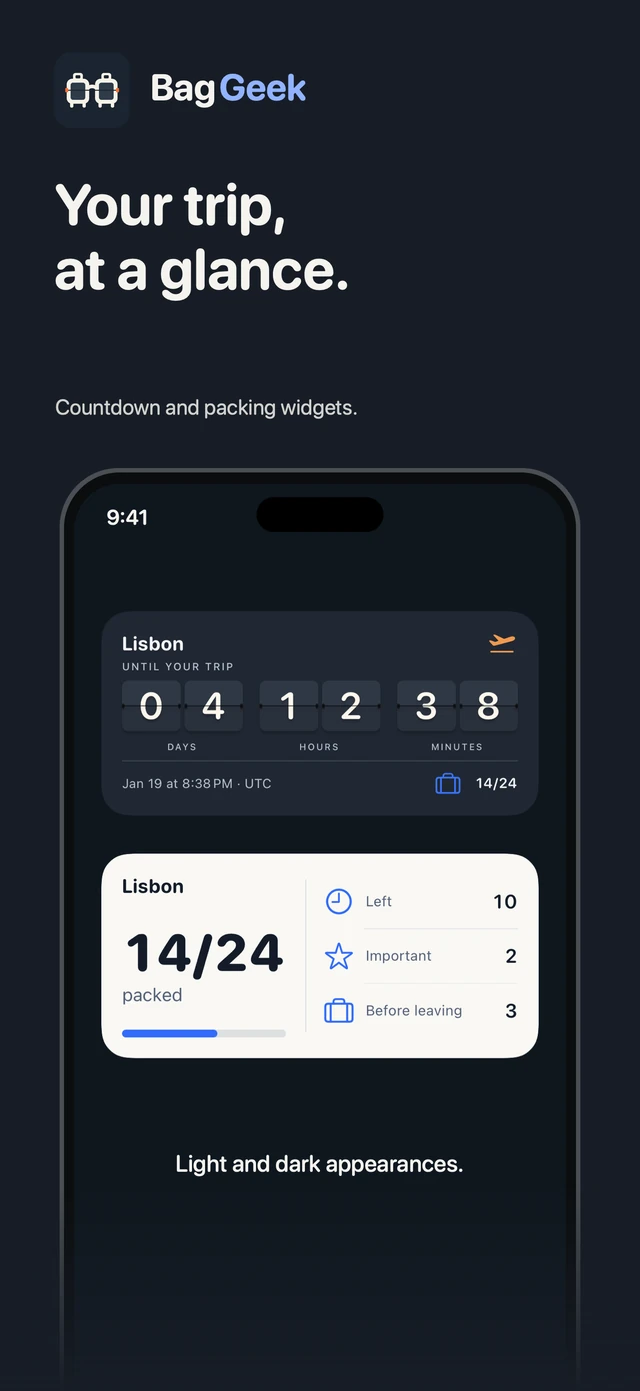
Try AI suggestions, sort items by bag and use the return list on the way home. Every feature is unlocked for your first trip, with no subscription or trial timer.
Every paid option unlocks the exact same features. Pick the billing style that fits how often you travel.
per month
For the trips you have coming up.
Billed monthly. Renews until cancelled.
per year
≈ $0.25 per month with annual billing
74% less than 12 monthly payments
For plans throughout the year.
Billed yearly. Renews until cancelled.
one-time payment
For every trip still to come.
Paid once in the App Store. No recurring charges.
Your existing lists remain usable after a subscription ends.
Prices are shown in USD for the US App Store and may vary by region. Your local price is displayed in the App Store before purchase.
Your packing lists stay on your iPhone with no account or cloud sync required. If you choose to use AI, only the trip prompt you submit is sent to generate suggestions.
How optional AI uses your dataFor a weekend away or a longer holiday, start with a packing list you can make your own.
Join WaitlistYour first complete trip is free. Paid access unlocks new and repeated trips.
Learn how BagGeek handles your data and protects your privacy.