Your ride is outside. The suitcase is zipped, and you're standing by the door trying to remember whether you've packed everything. Your ID should be in your backpack. Your headphones were on the desk. Your charger… still plugged into the wall.
Good thing you remembered now.
There's plenty to finish before a trip. Wrap up work, check your booking, figure out when to leave. Somewhere in between, you need to pack for several days and think through what you'll need. It gets trickier with a child, or when one trip includes both work meetings and time outdoors.
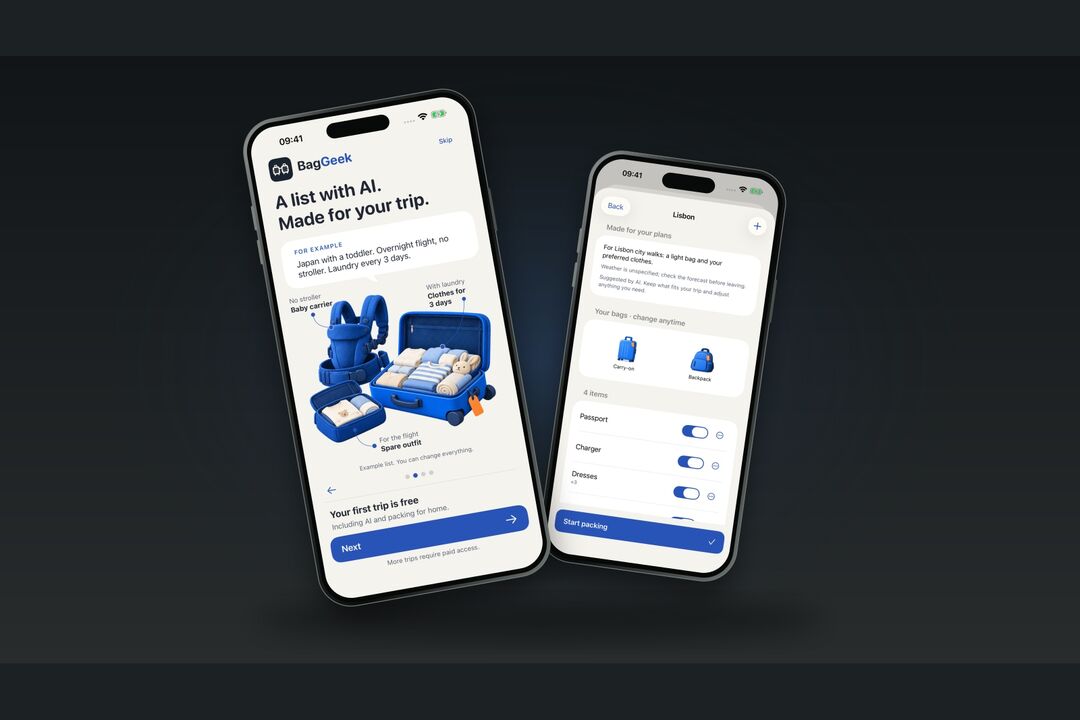
We built BagGeek to make packing easier to work through. It's an iPhone app where you make a list, assign things to bags, and check them off as you actually pack them. Before leaving, you can see what's still missing.
One list for very different ski trips
Say you go skiing every winter and pack from a note on your iPhone. It's called “Ski trip.” You copy last year's version, clear the checkmarks, and add whatever comes to mind. It works pretty well until the details change.
Last time, you drove with your own skis. This time, you're flying with a snowboard. Or you've decided to rent your gear there. The old note still has ski poles on it, and you haven't thought about a snowboard bag yet. Some things can come off the list, but first you have to remember why they were there.
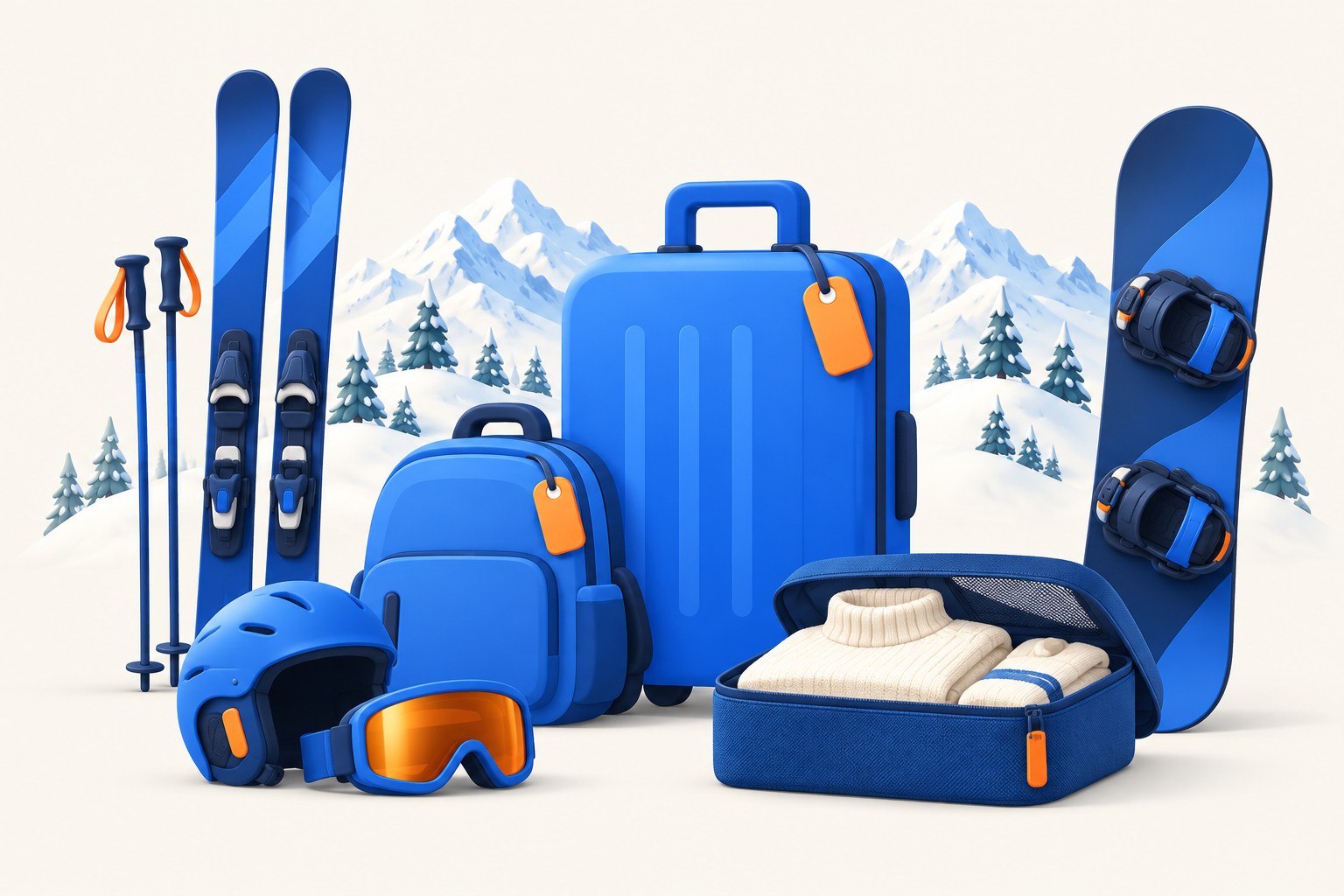
Your own skis, a snowboard, or rental gear: what you pack changes with your plans.
A week in Breckenridge and a long weekend in Park City can also mean different forecasts and different plans off the slopes. Check the rental's description for a washer and somewhere to dry clothes. Those details affect how many changes you'll want to bring.
We think a useful packing list should keep track of those trip details. In BagGeek, you can describe them before you start packing and ask AI to suggest a list around your plans.
For example: “I'm going to Breckenridge for seven days, with four days of snowboarding. Flying to Denver, then taking a shuttle. Renting a board and boots, bringing my own helmet and goggles. Staying in a rental without a washer. The forecast I'm planning around is very cold. One day will be spent in town.”
You can then review the suggestions with those plans in mind: remove gear your rental includes, add clothes for the day in town, and adjust quantities for the days you'll ride. Everything can be changed before you save it. Mention your own helmet explicitly, even if you're renting the rest.
BagGeek doesn't fetch a live forecast or know what your rental shop provides. Check those details yourself and include them in the request. AI needs an internet connection and your permission to send the information you enter to NovaSynapse and Google Gemini.
You can also start without AI, using one of 13 trip templates, your own list, or a previous trip. Repeat a trip, adjust the details, and check things off from the beginning. Your useful list for a ski road trip can become the starting point for a flight with a snowboard.
How much you actually need
Seven days away doesn't necessarily mean seven days on the mountain. If you're riding for four days, spending one in town, and traveling for the rest, review the quantities separately. BagGeek lets you set a daily quantity for an item and account for how often you plan to do laundry. You can adjust quantities for individual riding days yourself.
And “there's a washer” doesn't settle everything. Arrive late, head to the slopes the next morning, and that first load might happen later than you expected while packing. Add the spare clothes you'll feel comfortable having.
Traveling with a child brings a different set of details. For an overnight flight, you might pack a change of clothes as a separate kit, somewhere you can reach without opening the whole suitcase. The favorite toy is easy to remember. A bag for the clothes that get messy is easier to miss.
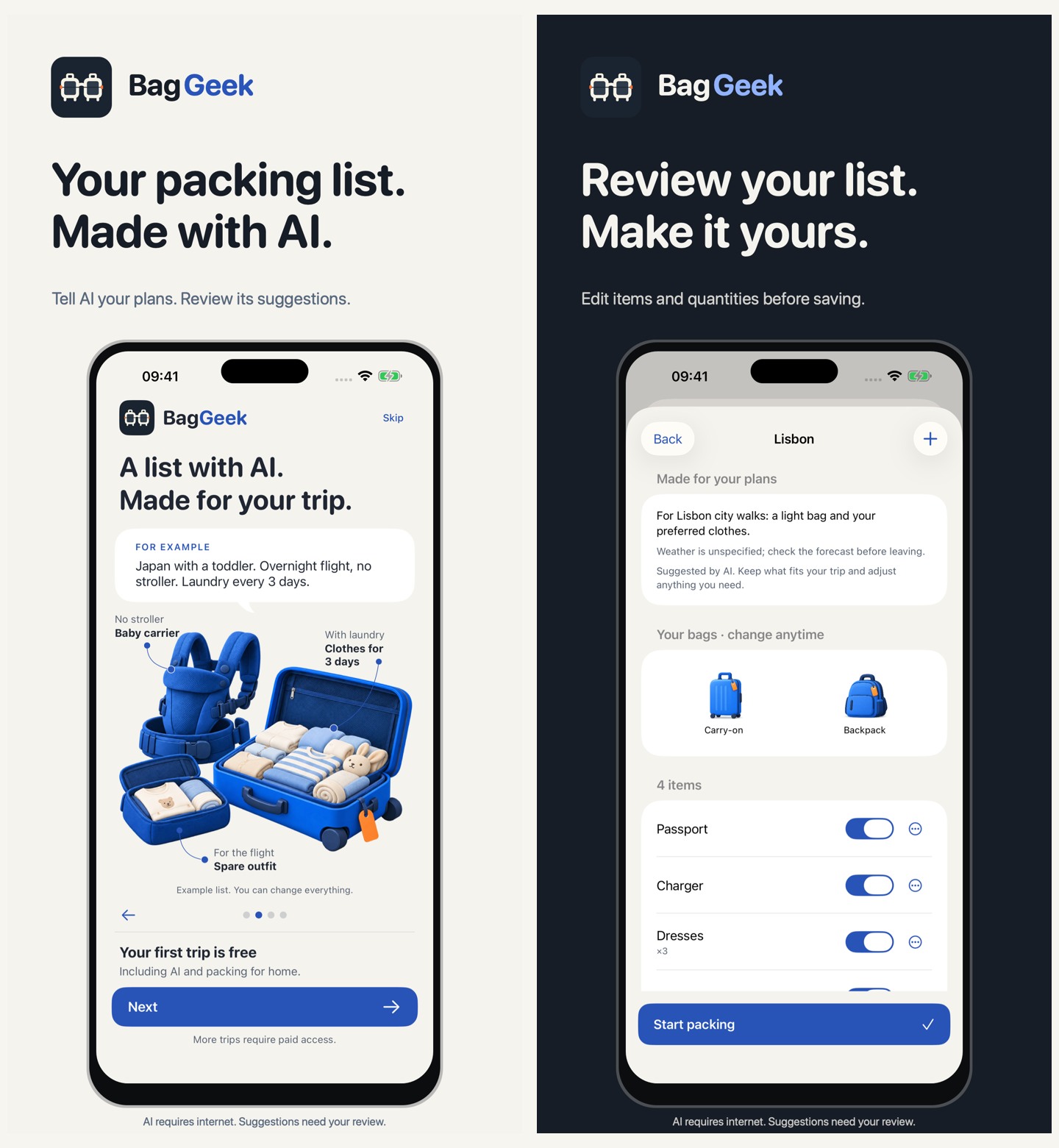
AI suggests a starting list for you to review. These screens show an example trip with a child.
Pack it where you can reach it
Even something you've packed can be in the wrong place. Your flight arrives, but your checked bag doesn't. Your warm jacket is in it, and you still have a shuttle ride ahead. Or your luggage arrives just fine, but check-in isn't until the afternoon and you'd like to change after an overnight flight.
In BagGeek, you can assign items to different bags and mark which bags you'll have access to in transit. Decide what goes into checked luggage and what stays with you until check-in.
For a closer look, there's the “First day” check. Choose the items and quantities you need, then select a bag that won't be available. Using your packing checkmarks, BagGeek checks whether you've packed that selection in the other accessible bags. You can work through a situation where your main suitcase isn't with you yet.
Another problem turns up once you're there: you brought the item, but can't use it. The camera has no memory card. The action camera made it into the bag, but its mount stayed home. You thought about the camera all week and remembered the small part at the lift.
You can group related items into a custom kit. You choose what belongs in it, and BagGeek shows which part is missing from the list or hasn't been checked off as packed. Everyone's setup is different: a spare battery for one person, a particular adapter for someone else's work laptop.
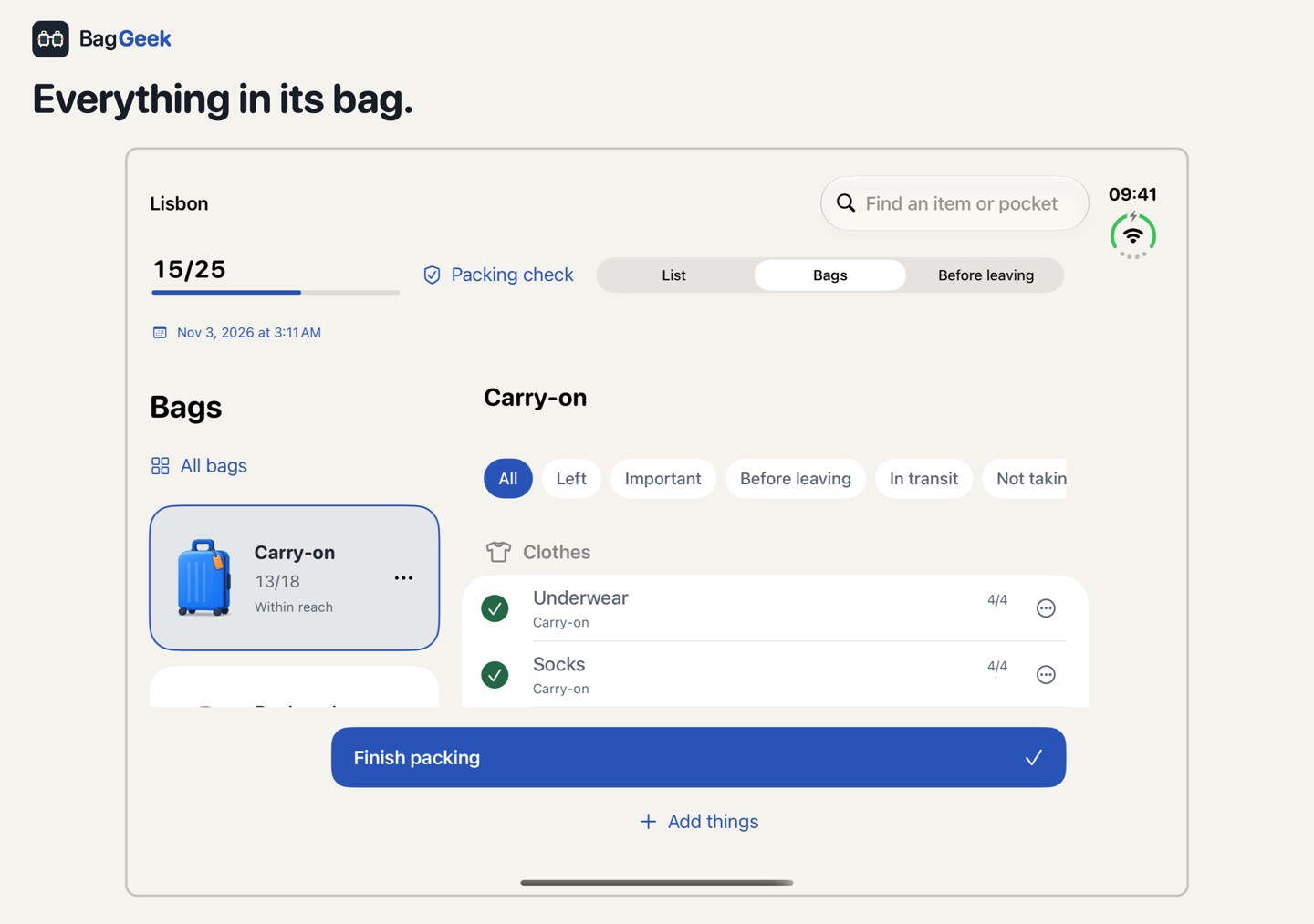
Assign things to bags and mark what you have packed. Example trip data are shown.
Things you need until the last minute have their own “Before leaving” section. Put your glasses there if you'll switch out of contacts before heading out, or the toy your child is still sleeping with. Close the main suitcase the night before and check that short remaining list in the morning.
You can keep tasks alongside your packing too. Check what the gear rental includes, or download your booking confirmation for the journey. When you review the list, you'll see that the rental still needs checking before you remove your own boots.
Use a list on the way home too
After a few days on the mountain, your things are scattered. Boots in the drying room, goggles in another jacket pocket. Base layers still drying in the bathroom. Before the return shuttle, it's easy to check the closet and forget the place you've been leaving wet gear every evening.
BagGeek can create a separate return packing list from the things you took with you. Open it before checkout and mark what you've put back into a bag. Add purchases and remove anything you won't be bringing home.
Once you're home, save useful changes in your own template. If your only pair of gloves kept staying wet, add a second pair while the memory is fresh. Next time, you won't have to remember what annoyed you so much last winter. You can adjust the template again for a different trip.
Try it on your next trip
Saved lists and the item catalog work offline. Open them on the road, share a list as text, or save it as a PDF. BagGeek has no ads and no required account. There's also a countdown in the app and a widget if you'd like to see how long is left before departure.
Your first trip is free, including AI and packing for the journey home. Further trips use BagGeek Plus, available as a monthly or annual subscription or a one-time lifetime purchase. Subscriptions renew automatically until canceled. Existing lists remain accessible after a subscription ends.
BagGeek is coming soon to the App Store. You can find the app's features and release information on the BagGeek product page.
For your next trip, try starting with the list you already use. Add the travel details and check what's changed since last time. Maybe “Ski trip” still has poles on it, even though you've been snowboarding for two seasons.